
How to Use OnCampus Daily: A Simple Guide
10/29/2026
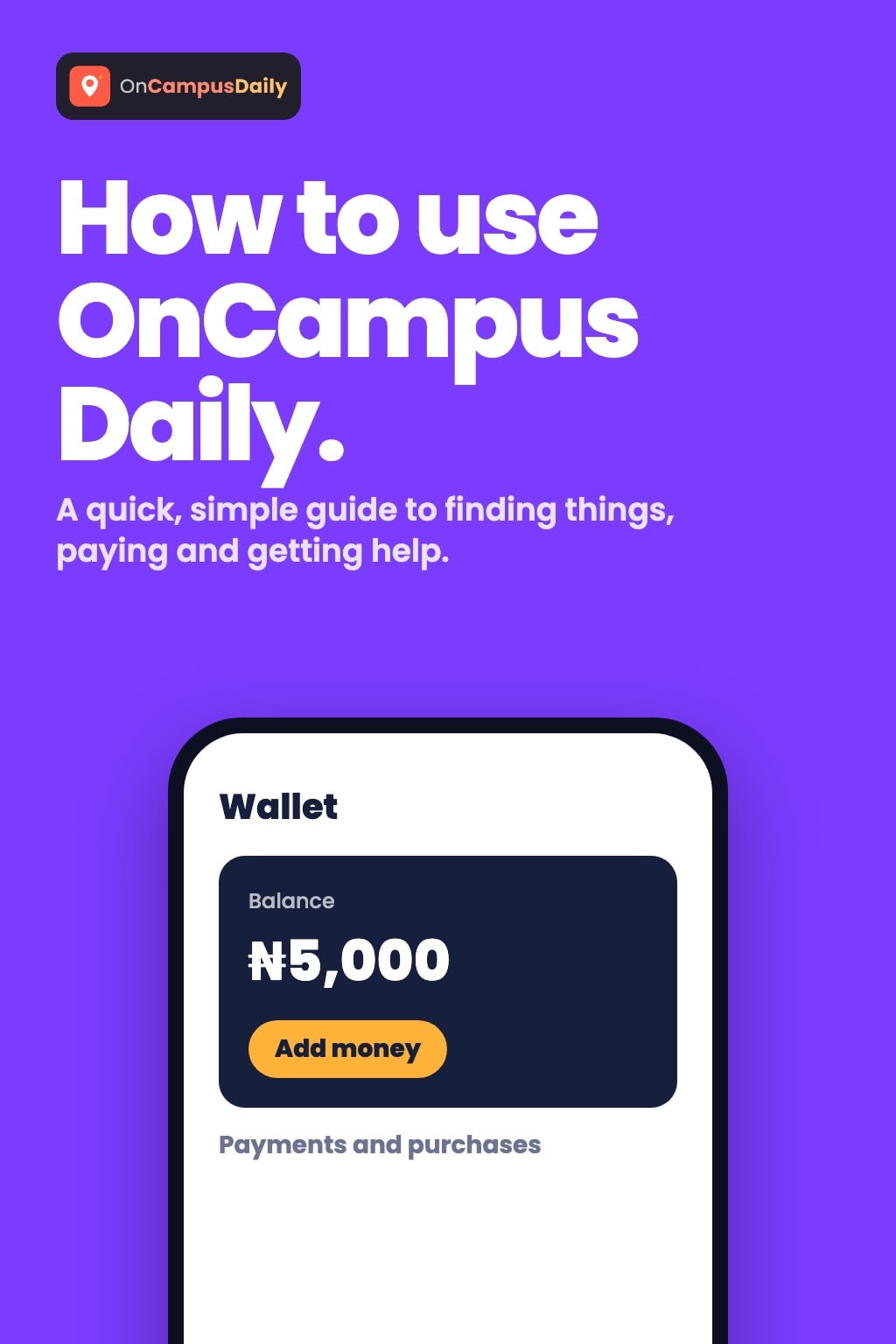
New here? This is a quick, simple guide to getting around. No jargon. 1. GETTING STARTED Create an account and choose your campus. Everything you see is built around where you are.
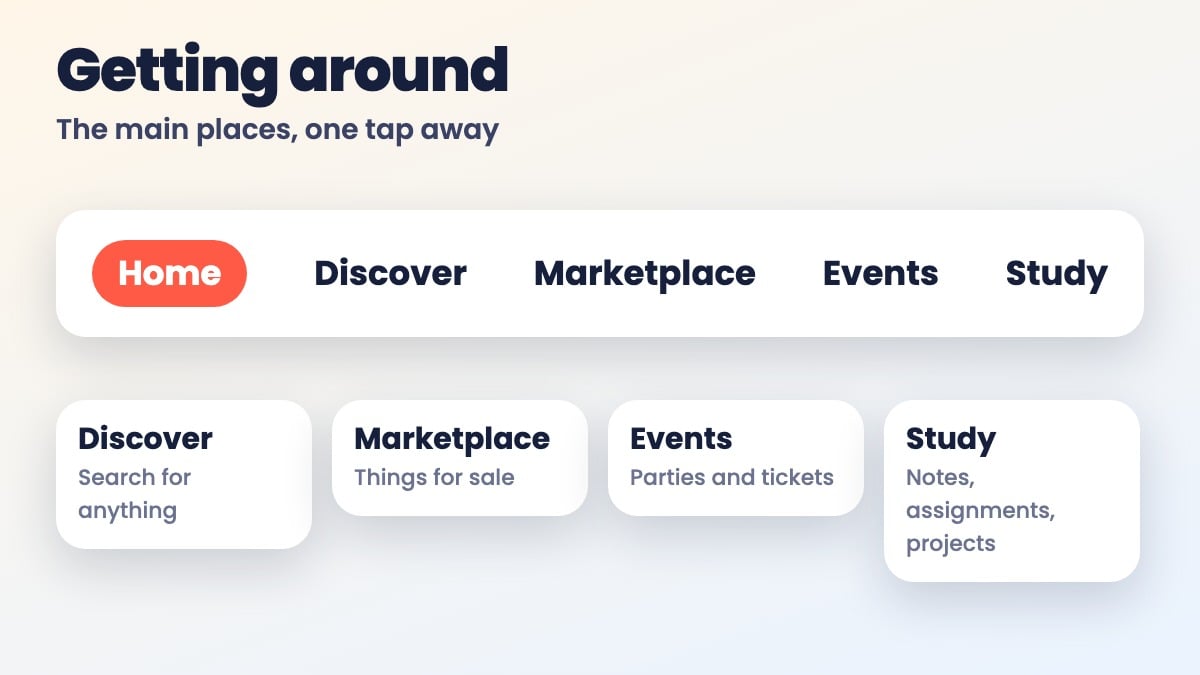
2. FINDING YOUR WAY AROUND The top bar takes you to the main places: Home: what's new on campus. Discover: search for anything. People, listings, services, businesses and stories. Marketplace: things for sale around you. Events: parties, programs and tickets. Study: notes, assignments and projects. The bell shows your notifications.
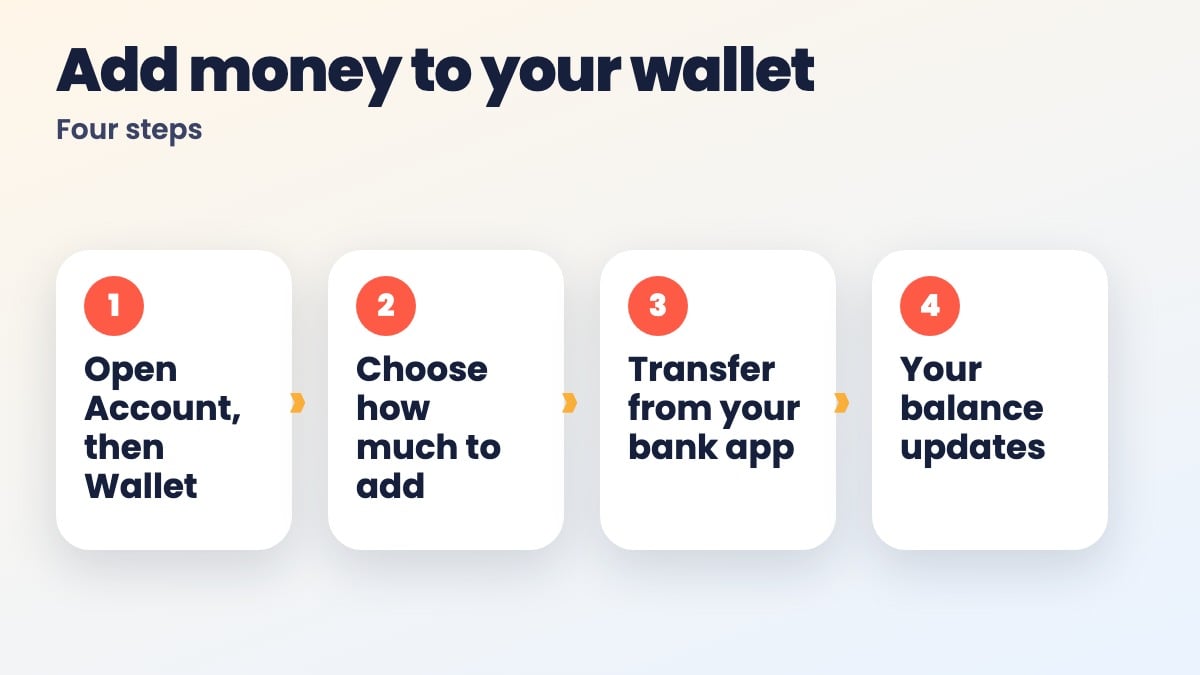
3. BUYING AND CONTACTING SELLERS Open any listing or service and tap Contact seller. You'll need to be signed in. Your chat is saved under Messages. Meet in a safe, public place and check the item before you pay. 4. SELLING OR OFFERING A SERVICE Open the Marketplace, Services or Businesses page and add a new listing. Add a title, a clear price, good photos and your WhatsApp or phone number. Then publish. 5. YOUR WALLET: ADDING MONEY Go to Account, then Wallet. Choose how much you want to add. You'll get bank transfer details. Make the transfer from your bank app. Your balance updates, and you can see every payment under Payments and purchases. If you were in the middle of buying something, the wallet page shows how much more you need and takes you back to what you were doing.
6. PAYING FOR THINGS Tickets, Study plans and Study services are paid from your wallet. Marketplace deals are between you and the seller, so agree the details with them directly. 7. HAVING A PROBLEM OR A COMPLAINT Open Contact Support and pick what's going on, such as: Problem with my ticket I haven't received my ticket Payment problem I want a refund Wallet problem Account or verification problem Marketplace or service problem Report a user or listing Something else We pull in the relevant details for you. You can follow your request and see our replies in the same place. 8. YOUR ACCOUNT AND PRIVACY Account settings is where you update your details, see your saved items and manage privacy. That's it. Welcome to OnCampus Daily.